The Content Pruning Guide! For a Fresh Start!
 Joram BoonSEO and content specialist
3 April 2024 · updated 29 March 2024
Does your online store feel like a jungle? Full of old content, hidden information, and dead ends. This is a familiar problem in online marketing, but there's a solution: content pruning.
Now that information goes out of date at breakneck speed, it matters to keep your content fresh. This is where content pruning becomes important for your SEO.
Imagine… a website that loads fast, ranks well with search engines and gives visitors exactly what they're looking for. You can achieve this with a smart content pruning approach.
Read on to discover how content pruning can turn your website into a lean, mean marketing machine. 😉 Let's prune away those unnecessary branches together!

For Those in a Hurry! (Key Points)
- Remove outdated, irrelevant content from your website to boost your site's growth and health.
- Improves your Google ranking, prevents content cannibalisation, optimises your site's authority (link juice), and makes more efficient use of your crawl budget by actively pruning content.
- Analyse your content with analytics tools, assess its relevance, decide whether to update or remove it, and set up proper redirects after pruning.
- Carry out a big clean-up at least once a year, and stay alert in between for content that isn't performing or up to date.
- Stay ahead of the game by regularly updating your content, focusing on producing quality content over quantity, and continuously monitoring your content's performance.
What Is Content Pruning?
Content pruning is the process of critically reviewing and removing outdated or less relevant content from your website. It's similar to pruning a plant: you remove the dead or weak parts so the rest can grow better. This keeps your website clean, up to date and valuable for visitors.
It also helps improve your visibility with search engines, because you're only presenting the most relevant information. By applying content pruning, you make it easier for Google to understand and value your site. The ultimate goal is to improve the user experience and boost your website's performance.

Why You Should Be Doing Content Pruning!
Google Will Slowly Start to Love You Again!
Google's algorithms love fresh, relevant content. By cutting away outdated information, you make room for new growth. This can lead to a better ranking and more visibility.
Prevents Cannibalisation
Sometimes your own web pages end up competing with each other because they have similar (duplicate) content. This is called cannibalisation. By removing unnecessary pages, such as ones with duplicate content, you reduce this internal competition and strengthen the position of the content that remains.
In the image below you can see an example of cannibalisation: this online store ranks with 2 pages for one search term, ending up in positions 4 and 9. We're really curious what would happen if the copy were tweaked just a little!

Better for Your Authority (Link Juice) Distribution!
Building authority for your website matters enormously in the digital world, and ‘link juice’ plays a key role in that. Link juice is an informal term for the value or authority a link passes from one page to another.
When you apply content pruning, you concentrate that valuable link juice on fewer, but stronger, pages. By removing unnecessary or outdated pages, you stop that value from being spread across too many pages, which would dilute its impact.

Crawl Budget (10,000+ Pages)
Websites with lots of pages can use their crawl budget more efficiently through pruning. Google spends a certain 'budget' on crawling your site. By removing less important pages, you make sure Google focuses on your best content.
Got a large online store with more than 10,000 pages and curious how crawl budget works? Google has put together an extensive explanation! Check out the crawl budget guide.
Getting Started with Content Pruning!
Step 1: Gather Data
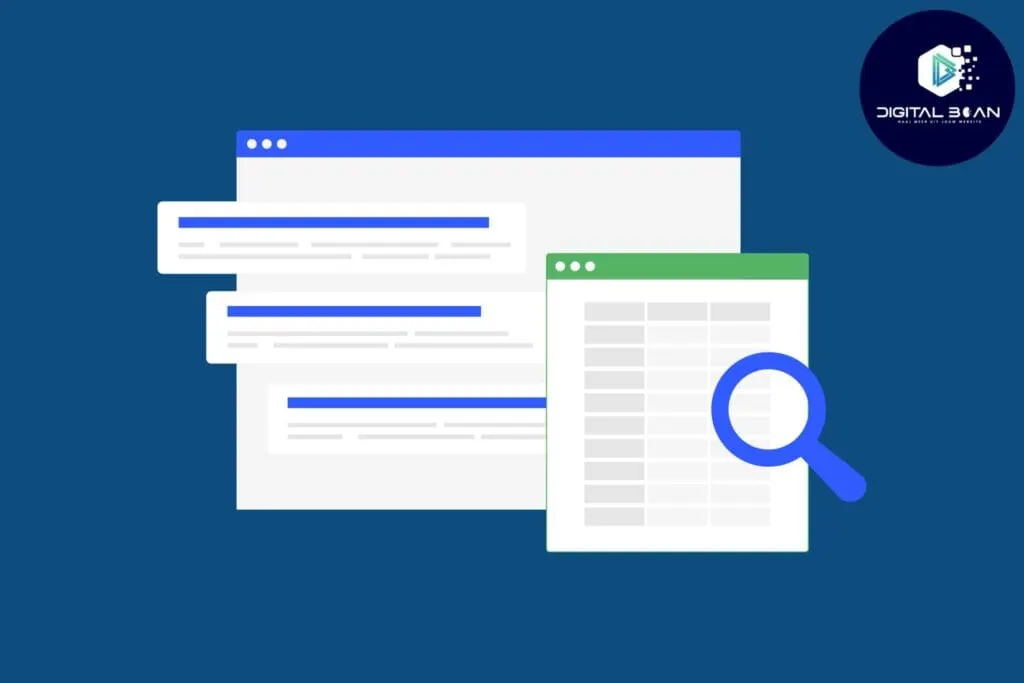
Start by gathering data about your content. Tools such as Google Analytics are perfect for this. Focus on metrics such as:
- Page views
- Bounce rate
- Traffic sources
- Conversions
- SEO rankings
Pour this data into a spreadsheet!
Careful! Don't use ONLY these metrics, also look at how the content performed on social media or in your newsletter! That can bring in a lot of traffic and conversions too, which you'd otherwise be throwing away!
Think of clicks from email, and check how much the content has been shared on social media. This way, you avoid removing valuable content that's only underperforming in search engines!
Step 2: Find the Dead Branches
With the data you've gathered, identify content that:
- Receives little to no traffic
- Has low engagement (high bounce rates, little to no interaction)
- Is outdated or no longer relevant
- Has duplicate content or overlapping topics
- Gets little to no shares on social media
- Adds no value for the newsletter or other email marketing
Step 3: Assess Each Piece of Content
For each page you've identified, ask yourself the following questions:
- Is the information still relevant for your target audience?
- Can the content be updated to become valuable again?
- Does this page contribute to my SEO goals?
Step 4: Decide: Update, Merge or Remove
- Update: If the content can become relevant again with a few tweaks, schedule an update to breathe new life into it.
- Merge: If several pages cover similar topics and rank for similar keywords, combine them into one page.
- Remove: If the content is no longer relevant, can't be revived, and doesn't contribute to your goals, remove it.
You can easily do this by adding an ‘action’ column with a drop-down menu containing the options discussed above.
Step 5: Carry Out the Pruning
- For updates, refresh the content with new information, optimise it for SEO, and republish it.
- For merges, combine the best parts of each page, create a logical structure, and redirect the old URLs to the new combined page. (important)
- For removals, delete the page and set up a 301 redirect (important again!) to a relevant page to prevent dead links.
Step 6: Keep Checking!
After carrying out the pruning:
- Monitor the performance of updated or merged content.
- Check Google Analytics and, if you have access to them, SEO tools to see the impact on traffic and rankings.
- Adjust your strategy if needed, based on the results.
To manage your expectations a little… it can take a while before you see real results. Think of 1 to 3 months before you notice genuine improvement. But sometimes it can happen within weeks too!
>> Check out the SEO timeline here! <<
Step 7: Keep Track of the Results!
Document the process and the results. This helps with future prunings and gives you insight into what works. Schedule regular content audits (for example yearly or twice a year) to keep your website healthy and relevant, and to prune away ‘dead branches.’

How Often Should You Do Content Pruning?
Check your website every year to remove old or outdated information. If your website is growing fast or things change quickly, do it every 6 months, or maybe even every quarter!
If something big changes in your business, that's also a good moment to clean up. Make sure your website always stays fresh and in good shape for visitors.

How to Stay One Step Ahead of Content Pruning!
Prevention is the best defence here. Before you start throwing content out, begin with a content marketing strategy! This stops you creating duplicate content and competing with yourself.
On top of that, focusing on QUALITY is, in my opinion, becoming more and more important. Search engines want good content, not content that tries to manipulate search engines. Offer solutions through genuinely excellent content, and both search engines and your visitors will reward you!
But that's ‘just one man's opinion’! 😉

The Article, Trimmed Down to Its Conclusion!
Content pruning matters enormously for every website. It makes sure your site runs smoothly and is easy to find on Google. It's the annual big clean-up for your website. Let's briefly recap why it's so useful:
- Reduces cannibalisation: Prevents pages with similar content from competing with each other.
- Optimises authority: Makes sure link value (link juice) is focused on your most valuable pages.
- More efficient use of crawl budget: Important for websites with lots of pages (10,000+), so search engines focus on your best content.
- Better for visitors: A tidy site improves the experience for your visitors, so they stay longer and are more likely to convert.
At Digital Bean, we know how to tackle this.
Our approach is based on honesty, where we always tell you the truth about what your online store needs, and what it doesn't. We're transparent about our methods, so you always know what's happening and why. And with short lines of communication, we guarantee fast, effective contact, so you never have to wait long for answers or updates.
Ready to help your online store flourish with a fresh, focused content strategy? Get in touch today with Digital Bean, and let's grow together