Canonical Tags, Here's What You Need to Know!
 Joram BoonSEO and content specialist
31 July 2024 · updated 25 June 2024
Do you run an e-commerce store with products in different colours or sizes? Then you probably have multiple URLs for pretty much the same content.
This can confuse search engines, leading to lower rankings and therefore less traffic.
Luckily, there’s a solution… the canonical tag.
Read on to discover how canonical tags can optimise your online store and stop search engines from getting confused!
What Is a Canonical Tag?
A canonical tag is an HTML element that indicates which version of a page search engines should treat as the preferred version. In other words, it tells search engines which URL is the “main version” of a page, so other similar pages aren’t seen as duplicates.
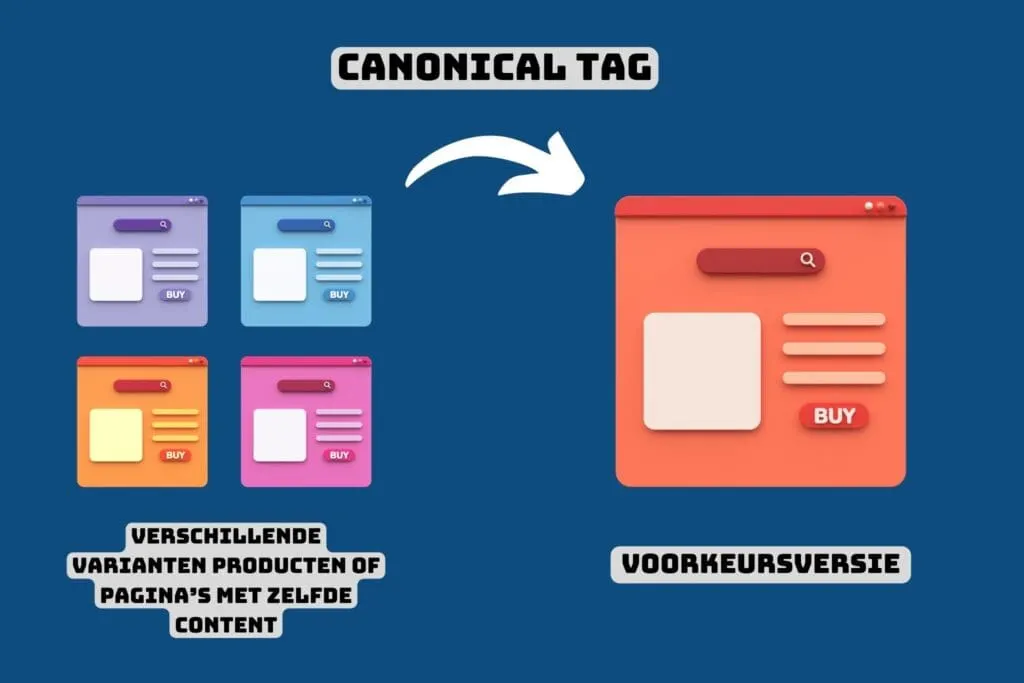
An example of a canonical tag in HTML looks like this:
<link rel=“canonical” href=“https://www.youronlinestore.com/product-a”>

Search engines like Google use this tag to determine which version of a page should be indexed.
Why Do Canonical Tags Matter So Much? (Especially for Online Stores)
Imagine you run an online store selling T-shirts in different colours: red, blue and green. For each colour, you have a separate page with the same description, only the colour differs.
But here’s the problem: search engines like Google see these different pages and get confused. They don’t know which page is the most important, because the content is almost identical. This can result in none of the pages ranking well in the search results.

Canonical tags solve this problem. A canonical tag tells Google which page is the “original” or most important version.
So, if you place a canonical tag on the red T-shirt page, you’re essentially saying: “Google, this page is the most important one, use this for the search results.”
If Google picks the right page, you prevent the same content from being indexed on multiple pages. This helps your online store rank better in the search results.
So, by using canonical tags, you make sure search engines recognise your most important pages and rank them better.
Different Types of Canonical Tags
Canonical tags help search engines understand which version of a page is the preferred one. There are two main types of canonical tags you can use:
- Self-Referencing Canonical Tag
- Canonical Tag to Another Page
Let’s take a closer look at both types…
Self-Referencing Canonical Tag
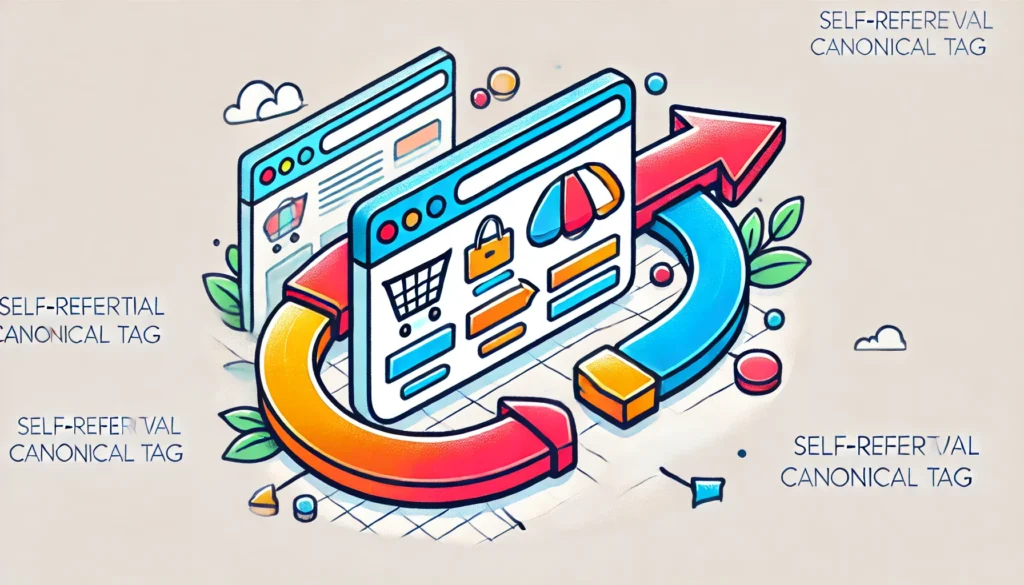
A self-referencing canonical tag is a tag that points to the same page it’s placed on. This helps search engines confirm that this specific page is the preferred version, and prevents confusion if there are other URLs leading to similar content.
In this case, the canonical tag confirms that this URL is the main version. This is especially useful for pages that don’t have duplicates but can be reached via multiple routes, such as through filters or search parameters.
Canonical Tag to Another Page
A canonical tag to another page is used when you have duplicate content or very similar pages (for example, products in different colours), and you want to indicate which page is preferred. This helps search engines know which page to index and rank.
Imagine you have two product pages for the same T-shirt in different colours:
- Blue T-shirt
- Red T-shirt
If you want the red T-shirt page to be the preferred version, you add a canonical tag to the blue T-shirt page.
This indicates that the red T-shirt page is the most important one, and search engines will follow that preference when indexing your site.

By using these tags correctly, you prevent duplication issues and improve your online store’s SEO. But when exactly do you use a canonical URL like this? Read on, we’ve covered it below…
When Do You Use a Canonical Tag?
You now know what a canonical tag is, why you should use it, and what types there are. But when do you actually use these tags?

Here are a few situations where you should use a canonical tag:
- Content Duplication:
- When you have the same content on multiple pages, for example the same T-shirt in different colours. You want to let search engines know which version is preferred.
- Example:
- Add a canonical tag to the pages to indicate which one is the main version.
- Nearly Identical Content:
- When the content is almost identical but has small differences, such as a product with different sizes or variants.
- This stops search engines from thinking you’re trying to publish the same content multiple times.
- Pages With URL Parameters:
- Sometimes your pages have different URLs because of tracking or session IDs, but the content is the same.
- Use a canonical tag to indicate the original version without parameters.
- Example:
Tips for Using Canonical Tags
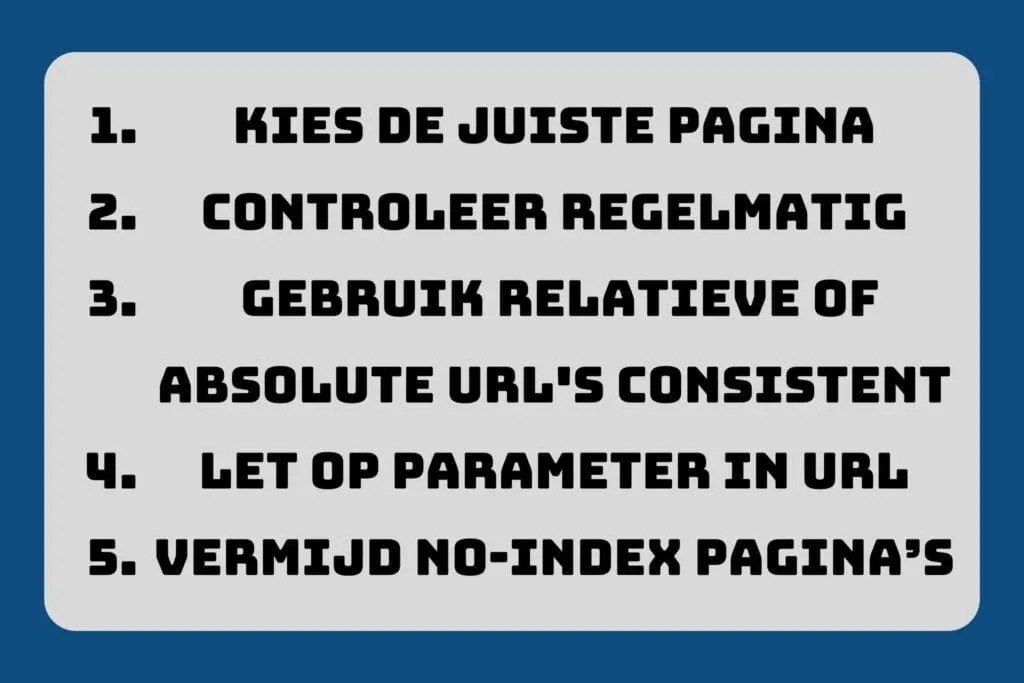
1. Choose the Right Page as Canonical:
- High-Quality Content: Select the page with the most valuable and comprehensive content.
- Popularity and Backlinks: Prioritise the page with the most backlinks. (links from other websites)
- User Experience: Choose the page that offers the best user experience.
2. Check Regularly:
- SEO Audit Tools: Use tools to scan your canonical tags and spot issues. Screaming Frog is fantastic for this!
- Manual Checks: Regularly check the source code of your most important pages.
- Monitoring and Reporting: Set up periodic reports to track the status of your canonical tags.
3. Use Relative or Absolute URLs Consistently:
- Pick One Format: Use either relative or absolute URLs in your canonical tags, and keep this consistent across your entire site.
- Avoid Mix-Ups: Avoid mixing both formats to prevent confusion.
4. Watch Out for Parameters in URLs:
- Avoid Canonical Tags on Parameter URLs: If you have the same content on different URLs with parameters (such as filters), use canonical tags to point to the default page.
- Check Indexing: Make sure search engines index the right version of the page.
5. Avoid Noindex Pages as Canonical:
- No Noindex in Canonicals: Don’t set pages with a noindex tag as canonical URLs.
- Optimise Indexing: Use canonical tags on pages that should be indexed, to improve SEO.
Summary
Canonical tags are a powerful tool for preventing duplication issues and improving your online store’s SEO. By helping search engines understand which version of a page should be indexed, you can improve your rankings and offer a better user experience.
What We’ve Covered:
- What is a canonical tag? An HTML element that indicates which version of a page is the preferred one.
- Why do canonical tags matter? They help search engines choose the right version of a page, which prevents duplication issues and improves your SEO.
- Different types of canonical tags: self-referencing canonicals, which point to themselves, and canonicals that point to another page, which point to the preferred version.
- When do you use canonical tags? With duplicate content or very similar URLs, such as product variants.
- What does a canonical URL look like? It’s a link element in the HTML code that isn’t visible to visitors, but is to search engines.
- Tips for using canonical tags: choose the right page as canonical, check regularly, pick one format, watch out for parameters, and avoid noindex pages
Ever felt like your online store is a maze for search engines? With canonical tags, you hand them a compass! So, what are you waiting for? Put your online store in the spotlight and make sure it doesn’t get lost in the crowd.
Want to know more about how to optimise your online store for SEO?
Book a free call and grab some free ideas!
Good luck, and see you in the next one…